Zaplio is a fast, beautiful player for the IPTV subscription you already have. Add it once — it appears on your Samsung & LG TV, Android TV, iPhone, iPad, Android, Mac and Windows PC, with your favourites in sync.


Made for remote controls and touch screens alike, tuned for quick zapping and top picture quality.
Add your playlist once. Favourites, history and where you stopped follow you from the living room to your phone.
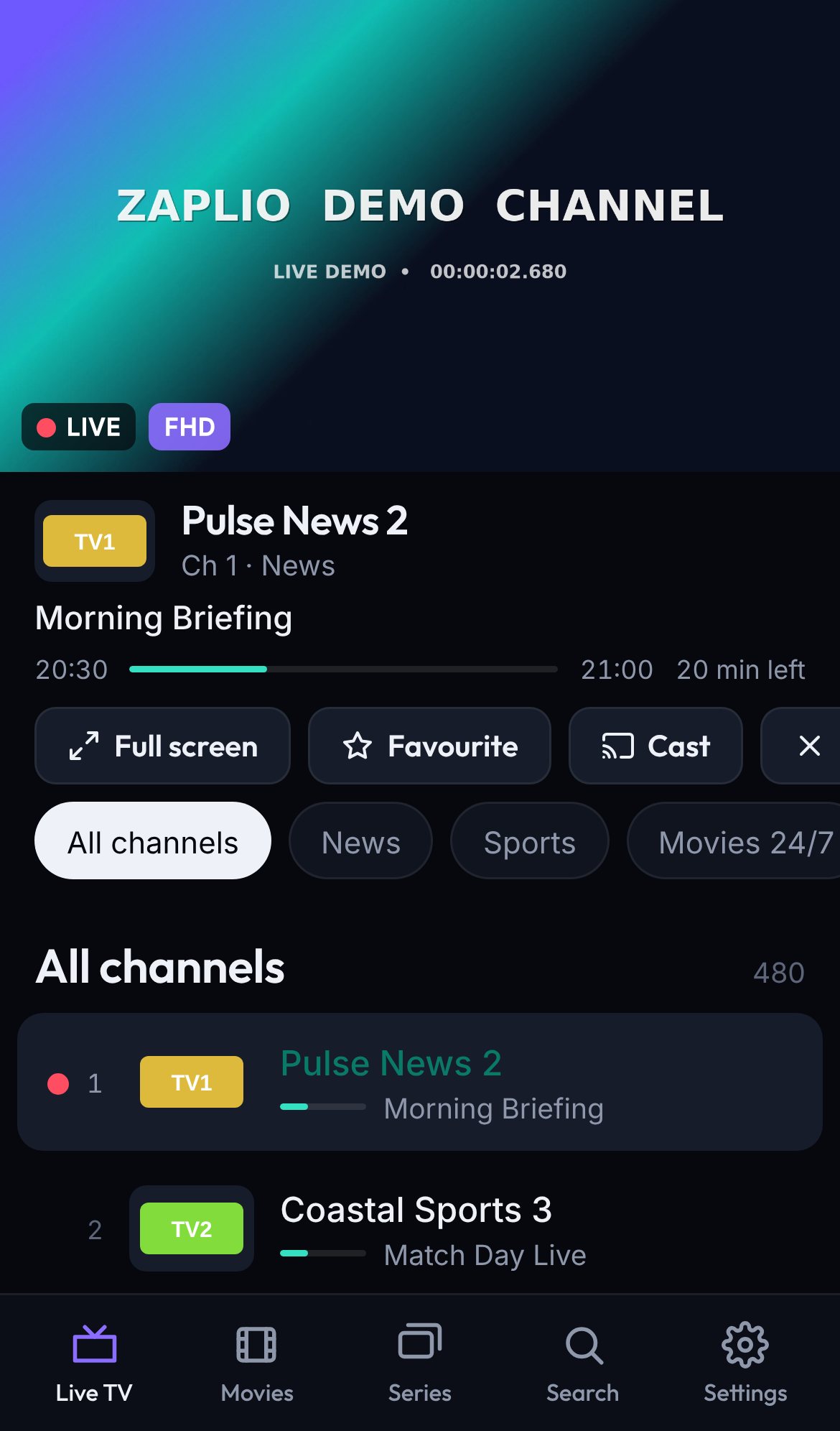
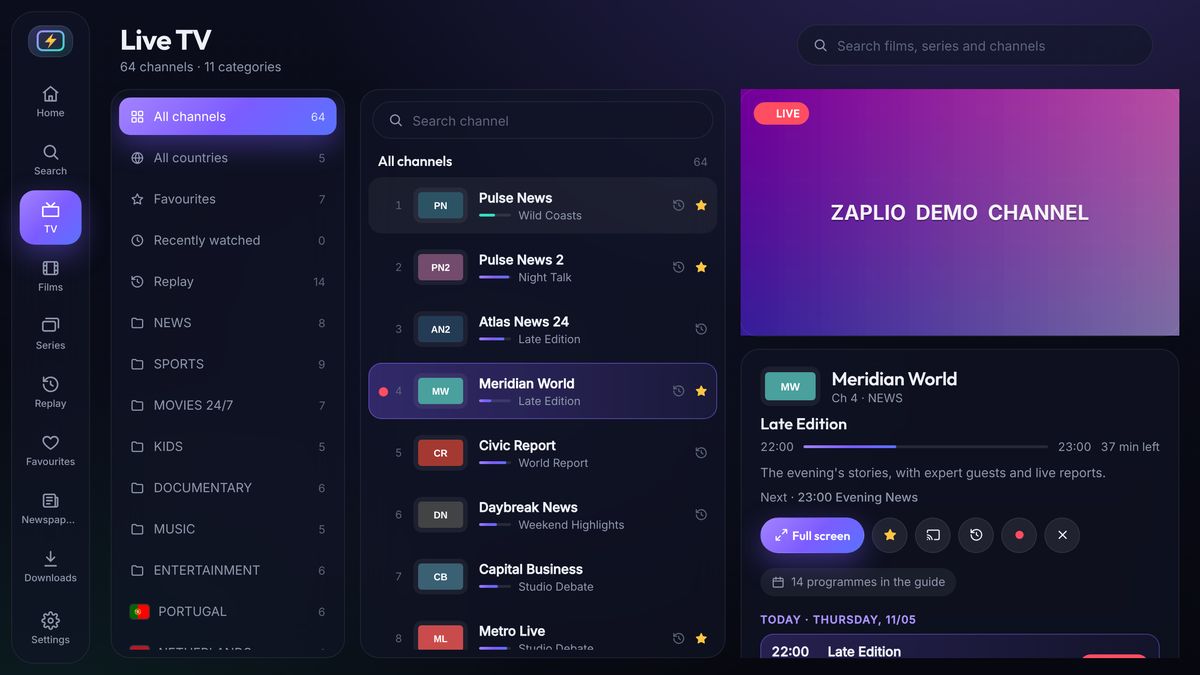
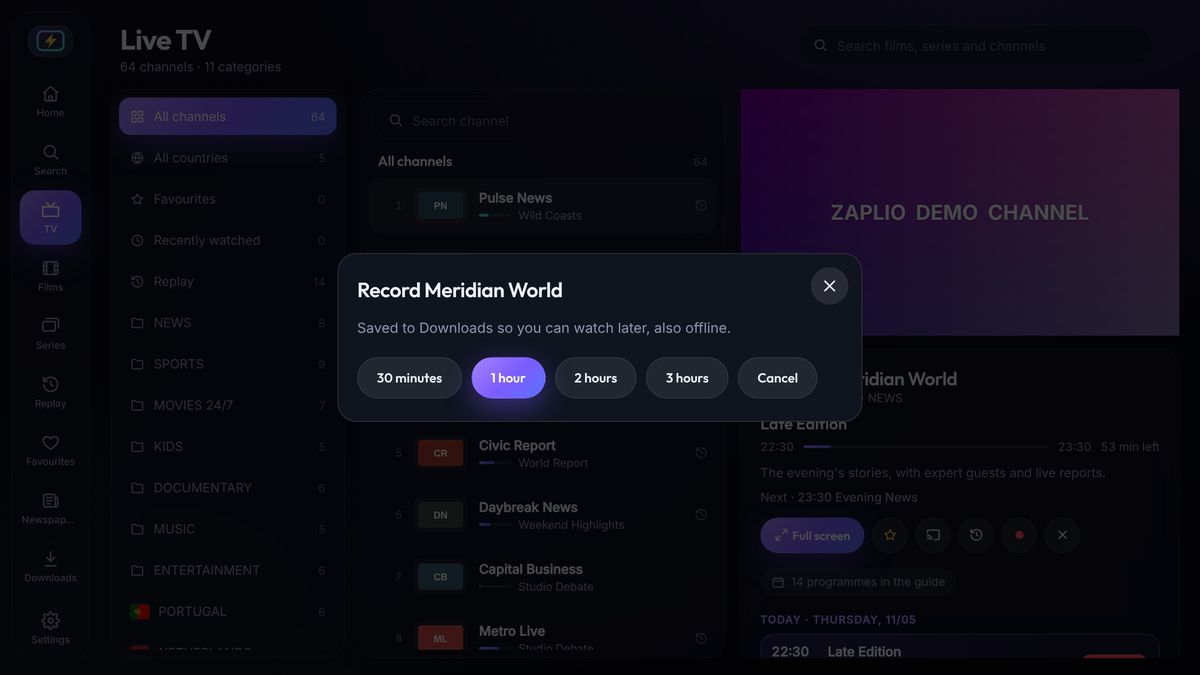
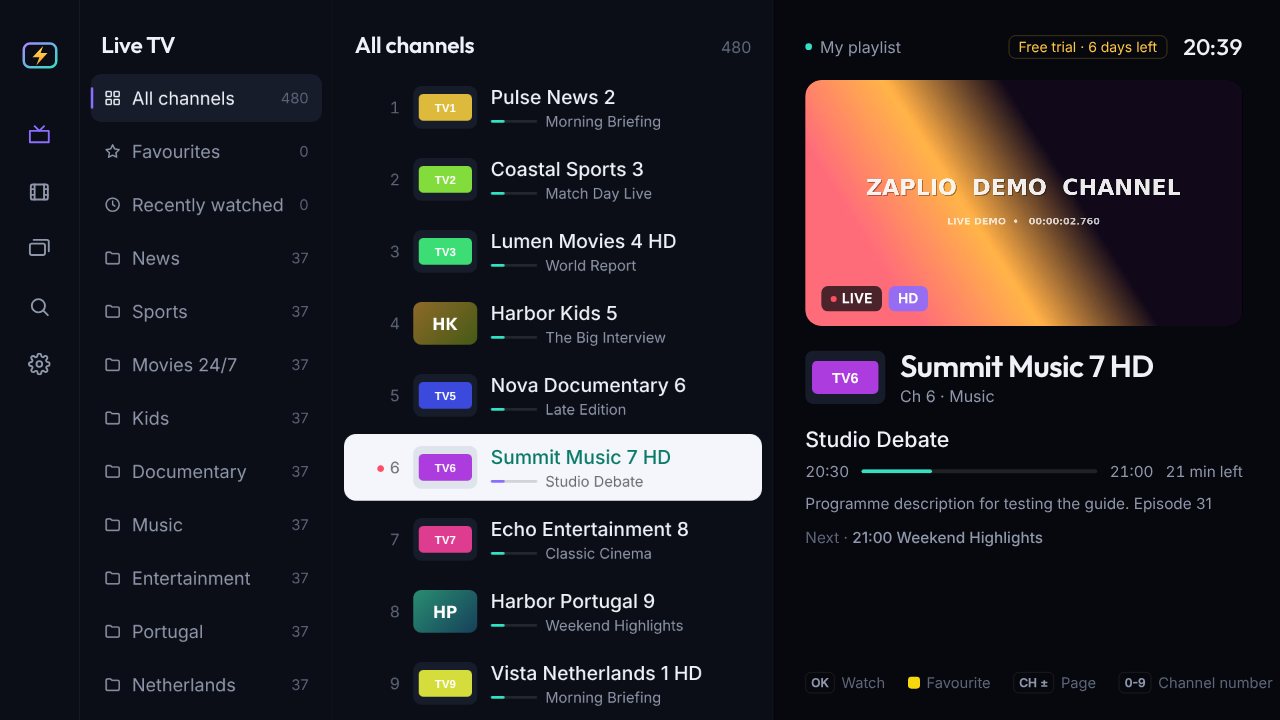
See what's on now and next for every channel, with a progress bar and instant preview. Missed something? Replay takes you back days, when your provider offers it.
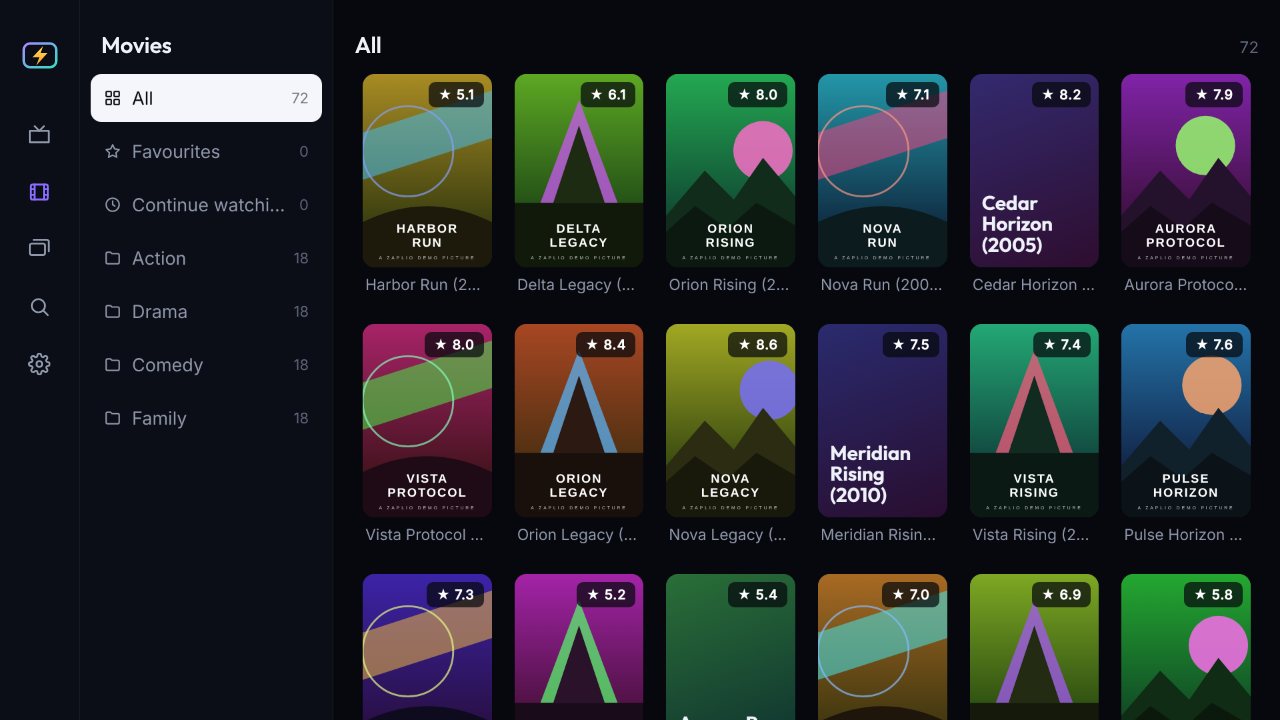
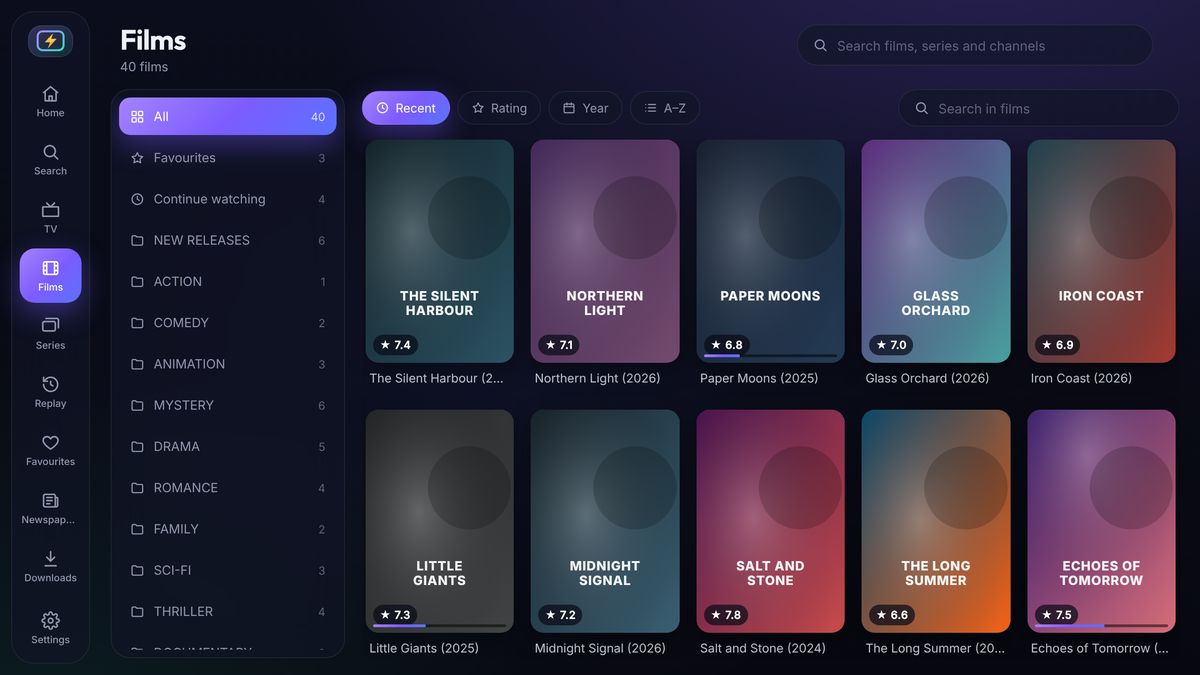
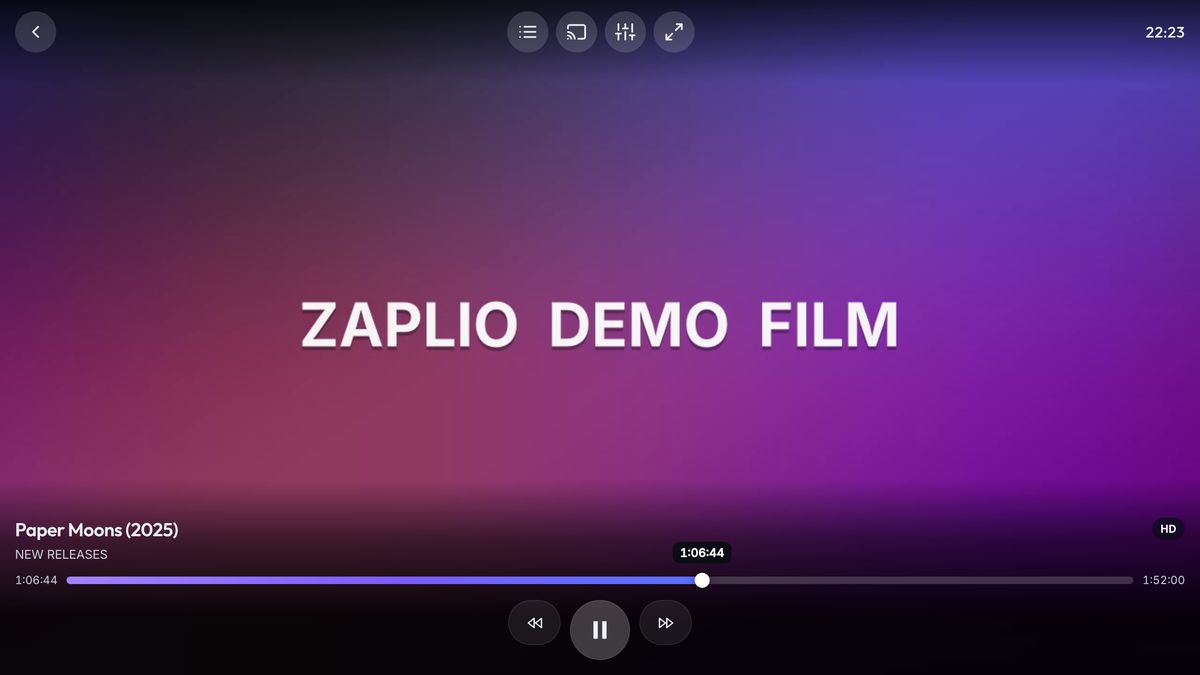
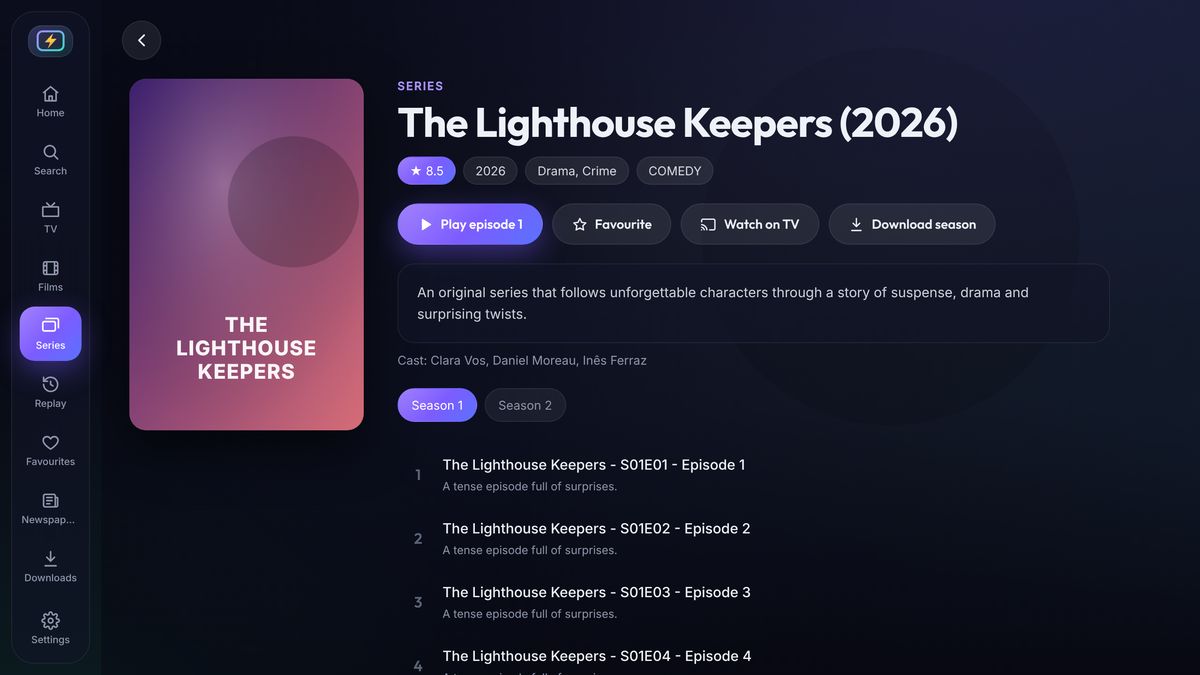
Posters, ratings, plots and seasons, sorted by newest, rating or A–Z — and every film resumes exactly where you left it, on any screen.
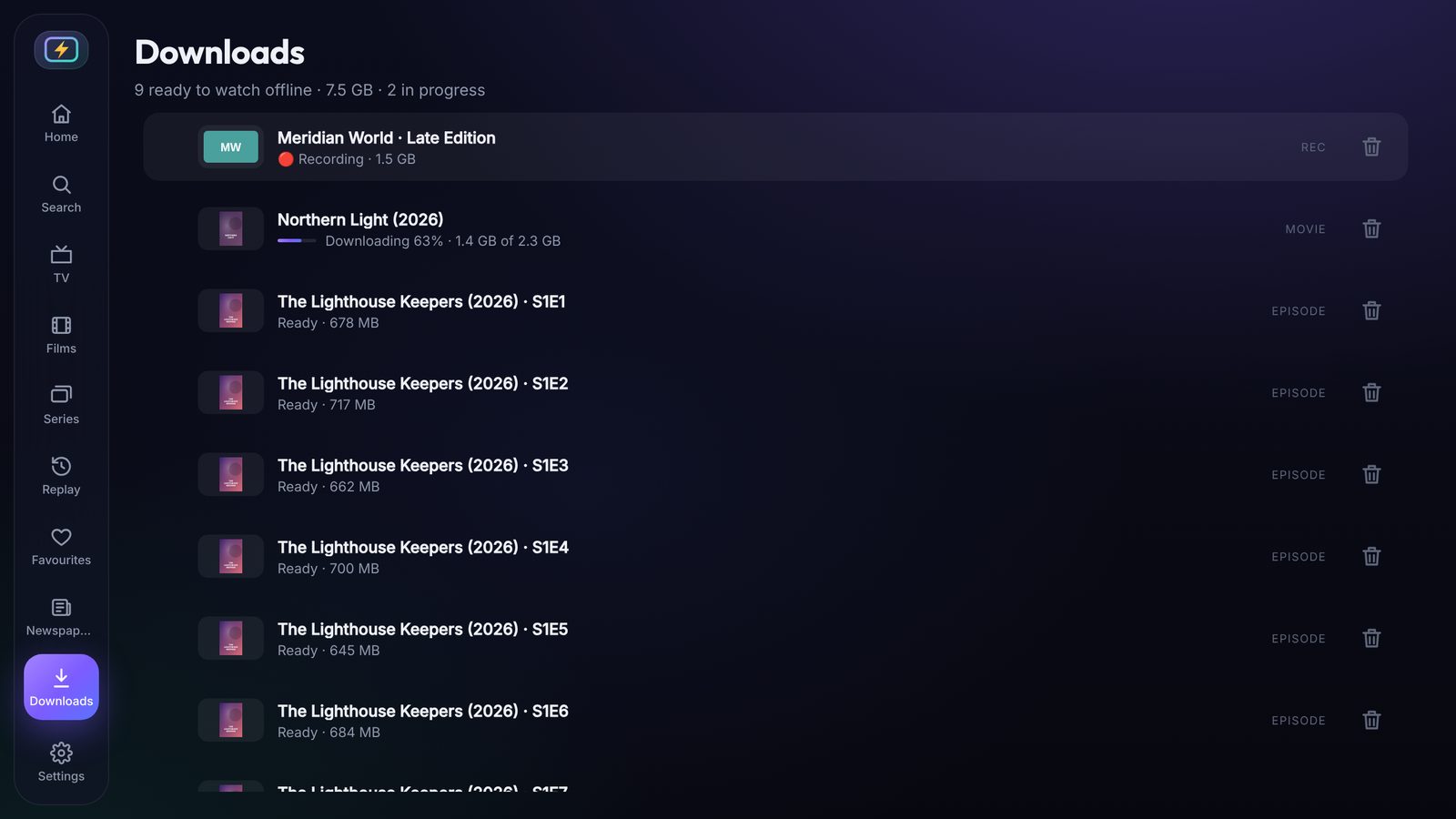
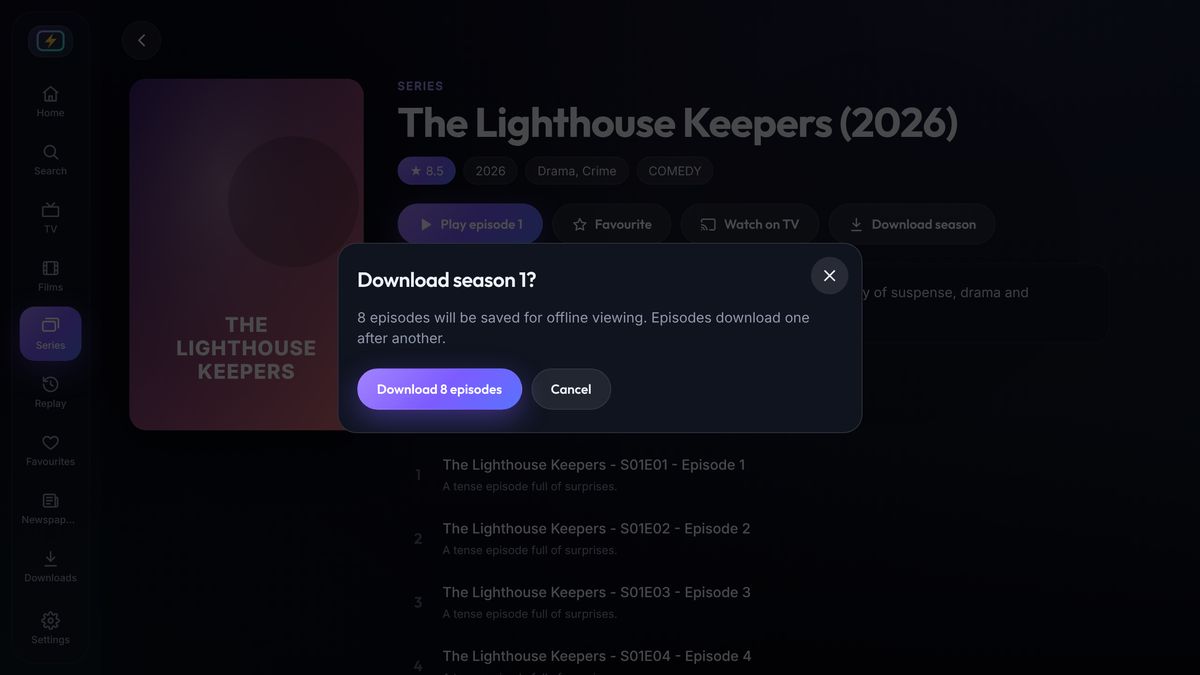
Record live TV, download a film, an episode or a whole season in one tap, and watch on the plane — no internet needed.
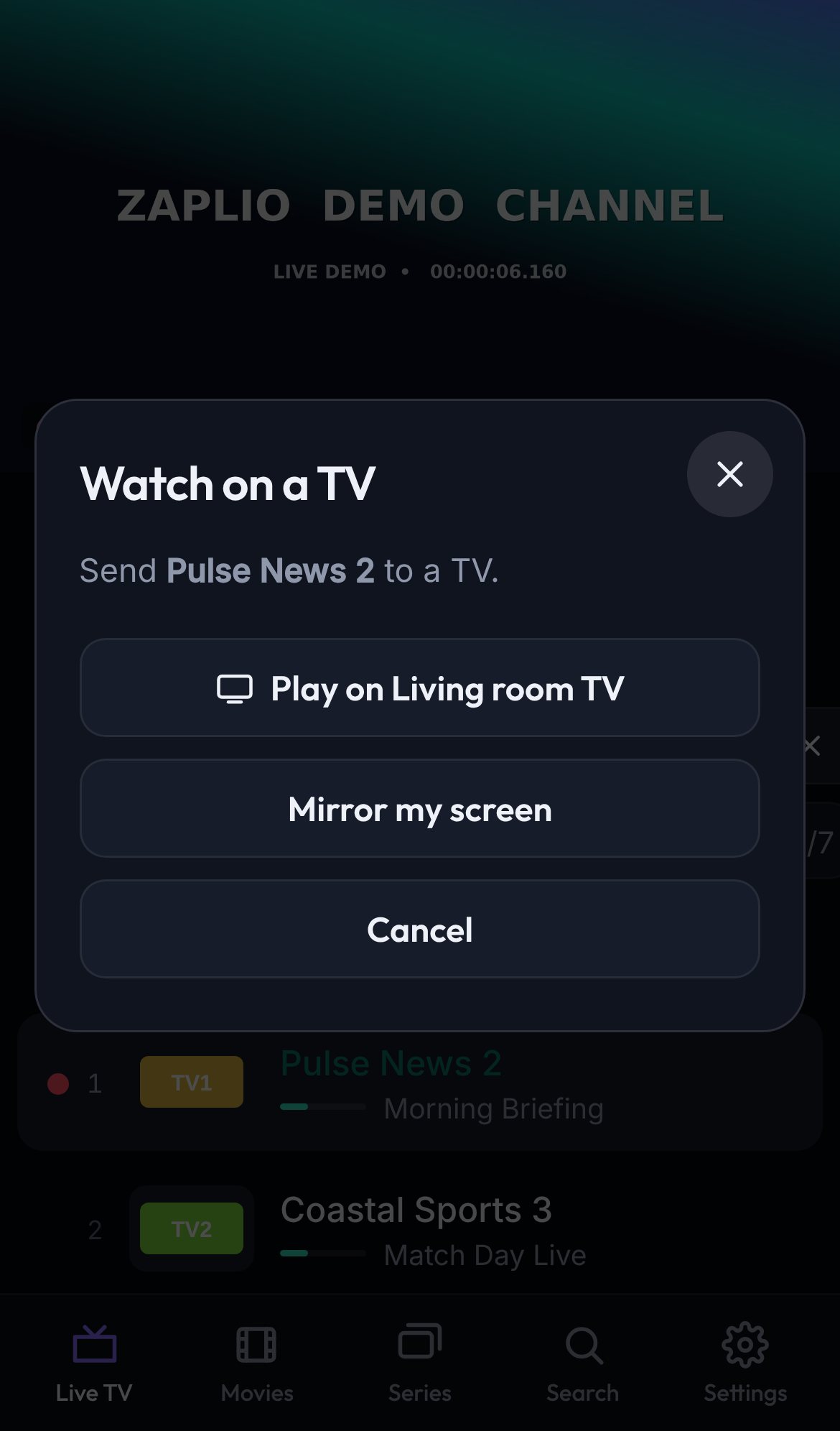
From your phone or computer to LG, Samsung and other Smart TVs over Wi-Fi, or with AirPlay (iPhone, iPad and Mac) and Chromecast — great in hotels too.
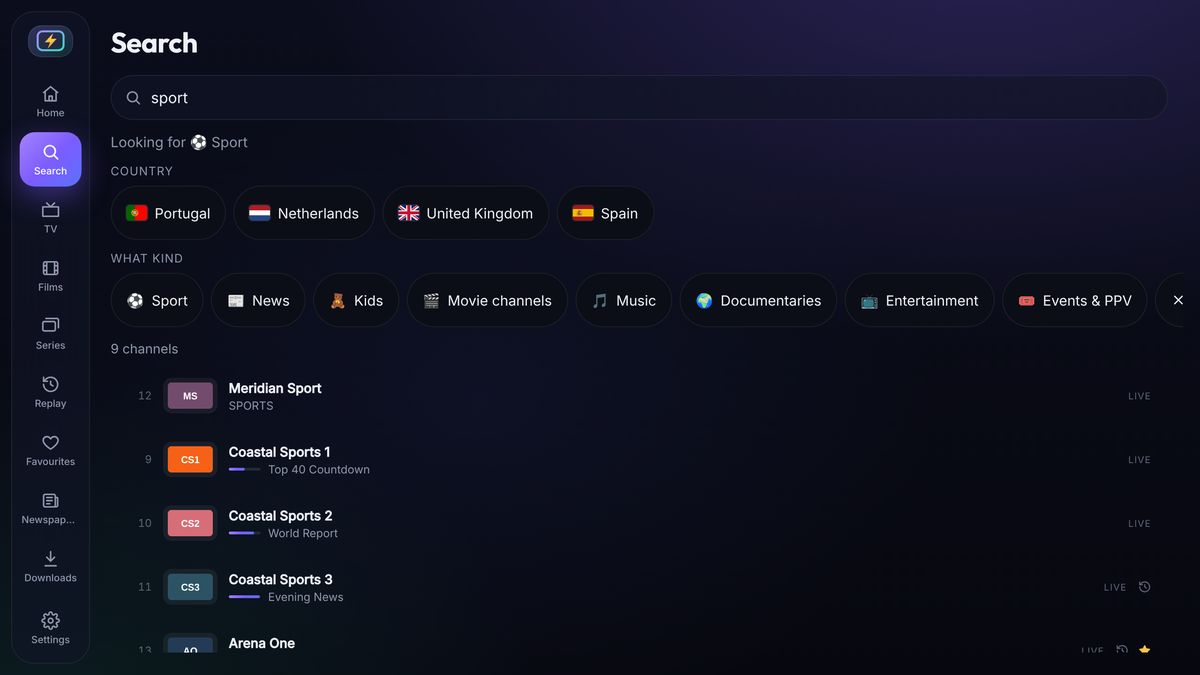
Type a channel, film or series — or just pick a country and what you feel like: sport, news, kids, films, music. No keyboard needed on the TV.
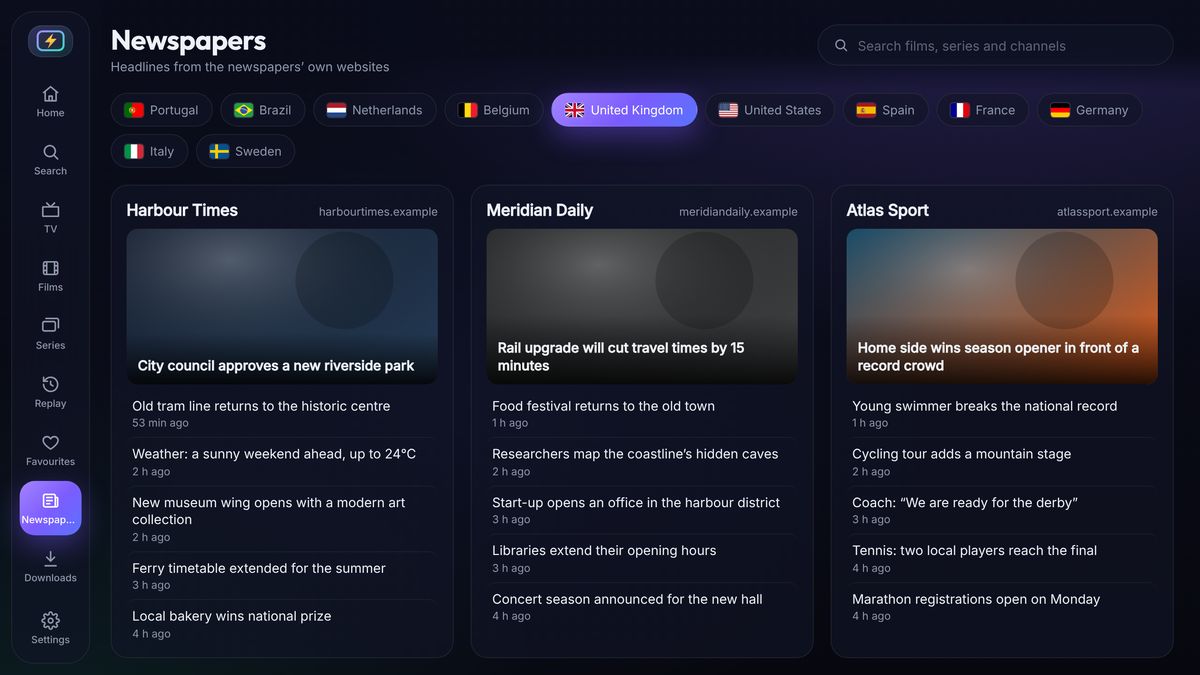
Today's headlines from the newspapers' own websites, country by country, right next to your TV — in the Mac and Windows app.
Zaplio comes in more than 30 languages and follows your device — Portuguese, Spanish, French, German, Dutch and many more.
HLS, MPEG-TS, MP4, MKV and more, up to 4K. Pick audio language and subtitles. Automatic fallback when a stream misbehaves.

Every screen is designed for a TV remote: big, clear focus, smooth scrolling through thousands of channels, and no tiny buttons.


Watch on iPhone, iPad and Android, or send what you're watching to the TV in one tap.
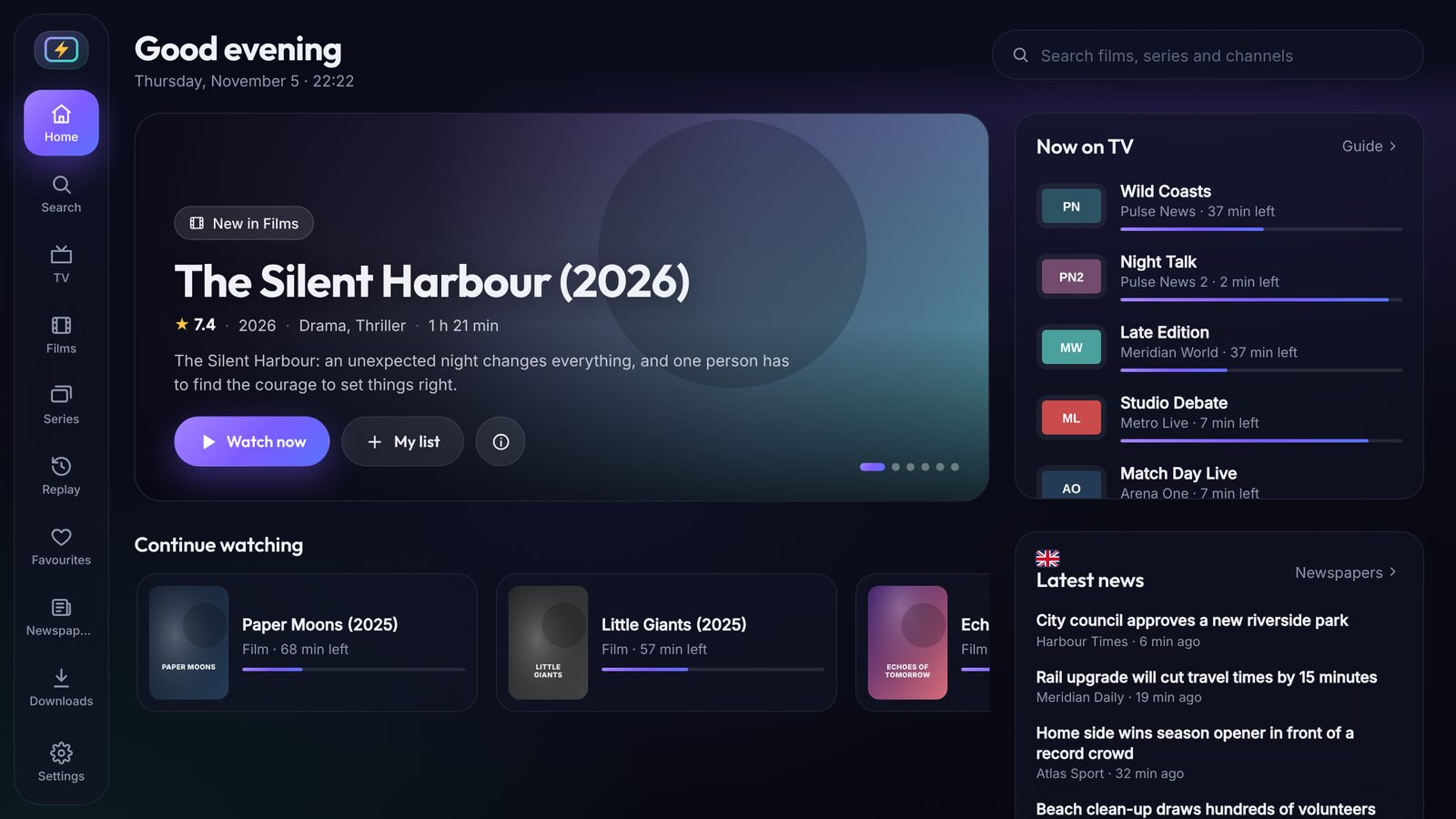
The same playlist, favourites and progress — now in an app made for mouse and keyboard, with a home screen, a three-column TV guide and AirPlay to your TV.

Open Zaplio and see a film to discover, what's on TV right now, today's headlines and everything you were watching — ready to continue.


Save what you want to watch and take it with you: on the plane, on holiday or wherever the Wi-Fi is bad.


Downloads and recordings use your provider's connection and must be allowed by your provider. Keep only what you have the right to.
Zaplio doesn't sell channels. You bring the playlist from your own provider — M3U link or Xtream Codes login.
On your TV, phone or tablet — see Download below. Your 7-day free trial starts automatically.
Paste the M3U link or Xtream login your provider gave you. Live TV, movies, series and the TV guide appear instantly.
Sign in with your email on every phone and tablet — we send you a 6-digit code, no password. On a TV, scan the QR code with your phone. Everything syncs to all your screens.
Home screen, live TV, recording, films, downloading a season, newspapers and search — or switch to the tour on TV and phone.
Demo channels, films and newspapers shown are made up. Zaplio includes no content.
Want to see Zaplio in action without a playlist? Every Zaplio app includes this free 24/7 channel: video tours of villas and homes for sale in the Algarve, Lisbon, Porto and across Portugal, by Villagrand Real Estate.
Every feature in every plan. Try it free for 7 days, then choose how many screens you want to watch at the same time.
Plans renew automatically every year at the same price. We email you 7 days before each renewal, and you can cancel in your account at any time.
*Up to the number of connections your IPTV provider allows. Secure payment by Stripe — cards, Apple Pay, Google Pay.
Install it everywhere you watch. Sign in once with your email and everything is linked.
Free 7-day trial · Android 5.0 or newer
zaplio.app/apk and press Go.zaplio.app/apk and press Go.Updates: Zaplio tells you when a new version is ready.
Our iPhone app is in public beta on Apple TestFlight while it waits for the App Store.
Open the web appFor Apple silicon and Intel Macs (macOS 11 or newer): live TV with guide, films and series, newspapers, downloads and recording — and AirPlay to your TV. Drag Zaplio to Applications and open it: the app is signed and checked by Apple, so it opens like any other Mac app.
Download for MacFor Windows 10 and 11: live TV with guide, films and series, newspapers, downloads and recording, and sending to Smart TVs on your Wi-Fi. Now in the Microsoft Store: it installs in one click and keeps itself up to date.
Get it from Microsoft StorePrefer the installer? Download it here. If Windows shows "Windows protected your PC" the first time: More info → Run anyway.
Watch on any computer at app.zaplio.app — with the same home screen, TV guide and newspapers as the Mac and Windows app. Some providers only work in the installed apps.
Open web playerZaplio is being submitted to Samsung Apps. Until then: use your phone with Cast, or an Android TV stick.
Zaplio is being submitted to the LG Content Store. Until then: phone + Cast → LG TV works over Wi-Fi.
No. Zaplio is a media player only. You add your own sources — for example a playlist from your IPTV provider, or free and public channels. You are responsible for having the right to watch what you add.
An M3U playlist link or an Xtream Codes login (server, username, password) from your provider. Add it under Settings → Add playlist.
Open the Play Store (or Amazon Appstore) on your TV and install Downloader. Open Downloader, type zaplio.app/apk and press Go, then Install. On Fire TV, first allow Downloader under Settings → My Fire TV → Developer options → Install unknown apps.
No password. Enter your email and we send you a 6-digit code. Use the same email on all your phones, tablets and computers. On a TV, choose I already use Zaplio and scan the QR code with your phone — the TV links itself.
Zaplio is being translated into more than 30 languages, including Portuguese, Spanish, French, German, Dutch, Arabic, Turkish, Russian and Chinese. It follows your device's language; you can change it in Settings → Language.
As many as you like. With Single screen you watch on one device at a time; with Multi-screen several at once (limited by your provider's connection limit).
Plans renew automatically once a year at the same price. We email you 7 days before. You can cancel any time in your account — you keep access until the end of the paid year. If a renewal payment fails, we tell you; if it keeps failing, the plan stops automatically.
Yes. In the iPhone, Android, Mac and Windows apps you can download a film, a single episode or a whole season (the episodes download one after another), and record a live channel for 30 minutes up to 3 hours. Then watch without internet. Your provider must allow downloads — keep only what you have the right to.
Yes. Zaplio for Mac (Apple silicon and Intel, macOS 11 or newer) and for Windows 10 and 11 are included in your plan — see Download. You get the home screen, the full TV guide, films and series, newspapers, downloads and recording, and you can send to your TV with AirPlay (Mac) or over Wi-Fi to Smart TVs.
Often, yes: send from your phone with Cast (Smart TVs on the same Wi-Fi, AirPlay or Chromecast). Some hotel TVs block this — a USB-C/Lightning to HDMI adapter always works.
Missing a feature? Found something that could be better? Tell us — we read every message and use your ideas to decide what we build next.